A couple of things here - the permissions are a little tricky but the IDE controls most of them automatically through the “Uses permissions” section on the project properties page.
Second, I’m not sure what code you’re using to enumerate the files, but this code will work:
procedure TForm1.SharedFileWriteTest;
var
  LPath: string;
  FS: TFileStream;

  procedure AddIt(const AComment, AItem: string);
  begin
    ListBox1.Items.Add(AComment + AItem);
  end;

  procedure ListIt(const AHeading: string);
  begin
    AddIt(AHeading, '');
    var TheFiles := TDirectory.GetFiles(TPath.GetSharedDocumentsPath);
    for var LFile in TheFiles do
      AddIt('File=', LFile);
  end;

begin
  AddIt('Shared Docspath=', TPath.GetSharedDocumentsPath);
  ListIt('Before');
  var ThePath: string := TPath.Combine(TPath.GetSharedDocumentsPath, 'mytest.txt');
  try
    FS := TFileStream.Create(ThePath, fmCreate or fmOpenWrite);
    var sTime: string := DateTimeToStr(Now);
    FS.Write(PChar(sTime)^, Length(sTime) * SizeOf(Char));
    FS.Free;
  except on E: Exception do
    AddIt('ERROR=', E.Message);
  end;
  ListIt('After');
end;
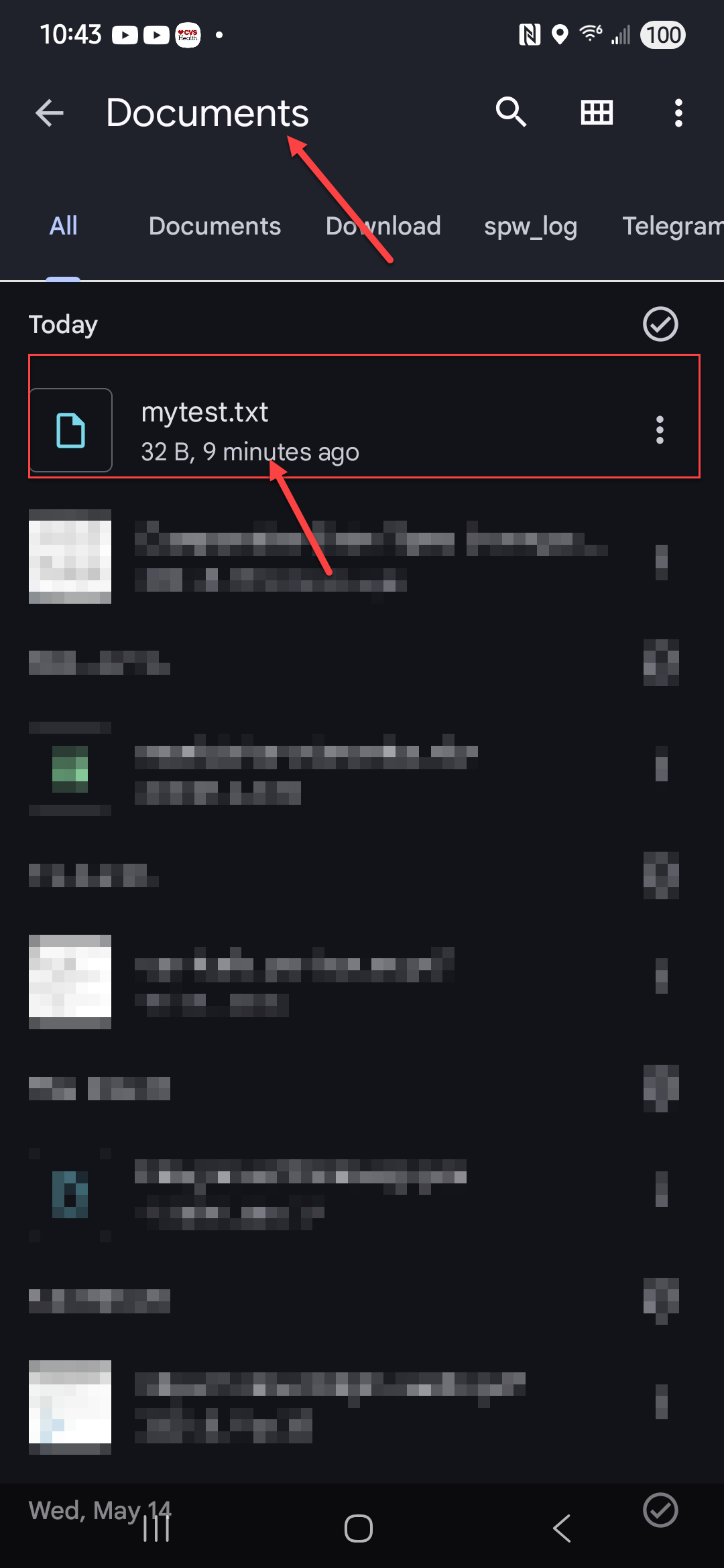
After running this on my Samsung Galaxy I see the following file (which wasn’t there before) in the Android Files app - so it’s definitely accessible to other apps:
When I open it in the Google Docs viewer it looks like this:
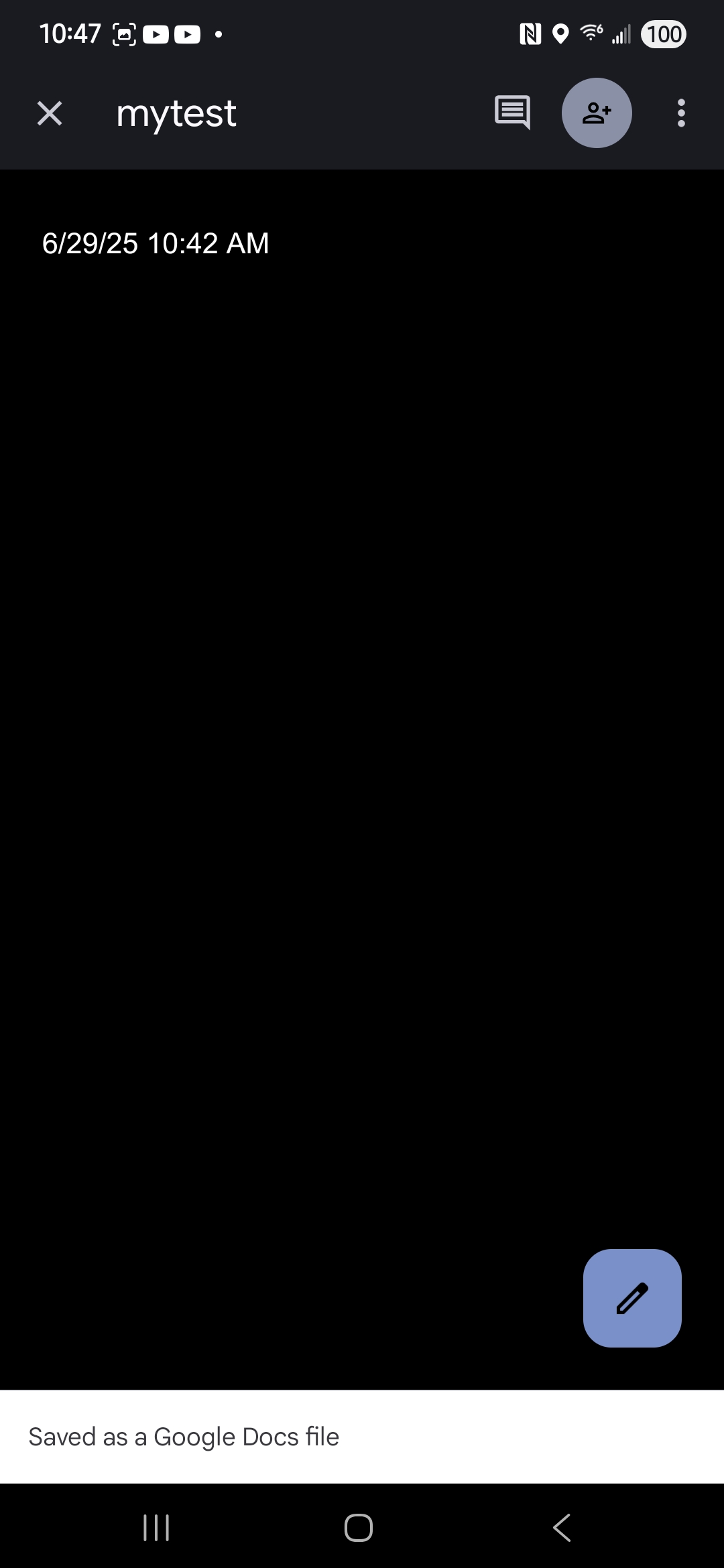
Which is correct.