I have dipped a toe in the local LLM water only a little before.
Inspired by @Geoff, I looked for a way to run something locally - and ended up at finding “gguf” and “llama.cpp”.
It was interesting, and kinda neat, to see /something/ being generated … but it was pretty awkward and sometimes got stuck in loops or went waaaaay off track.
For example :
Previously I had a gtx-1070 gpu (2016) … and just now have upgraded to a rtx-3070 (2020)
They both have 8GB memory.
I wanted to see what the difference was … but, it turns out I was never actually using the 1070
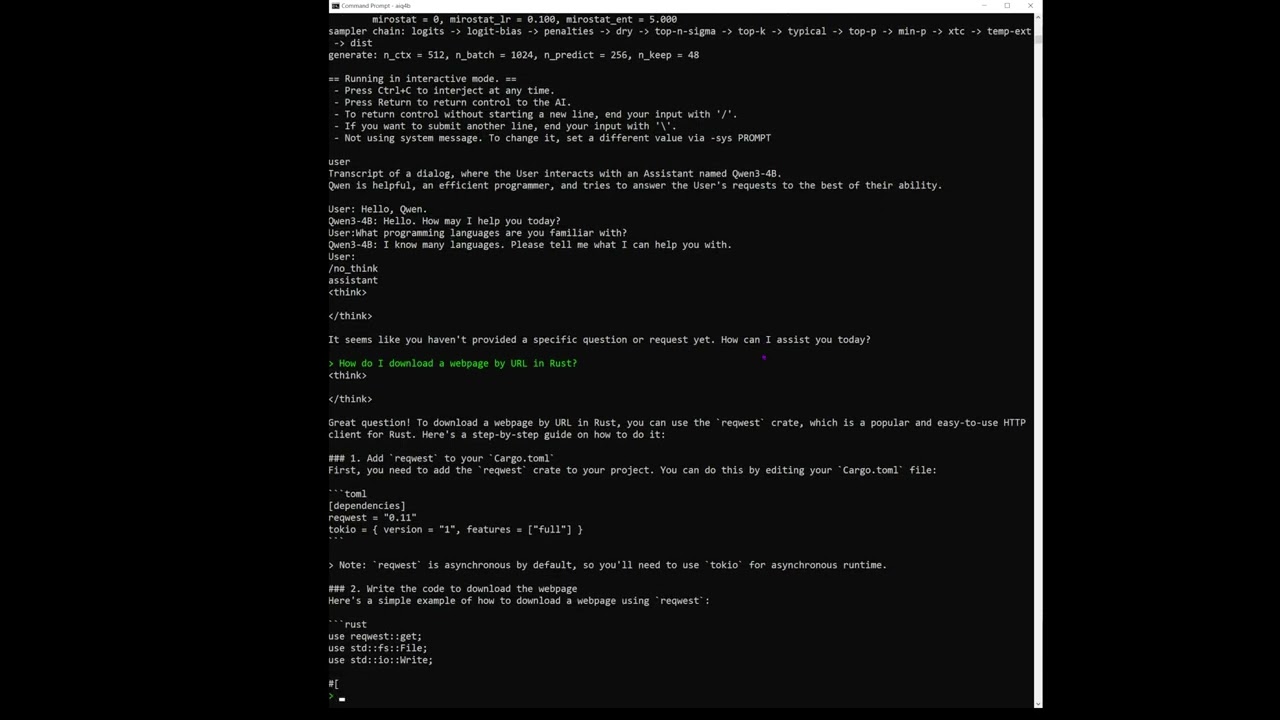
In any case, I installed Ollama, got it to download some models (Qwen3:4B, Qwen3:8B, Qwen3:30B, Deepseek-r1:8B) and try it. (I was asking it the same question for Delphi .. but happened to record asking about it for Rust)
The results were pretty strong .. more than I’d expected :
I have a 4060Ti with 8GB vram - and vram is a major limiting factor for local ai. I the entire model is not able to be loaded into vram the you can forget about an decent performance. Sadly the nvidia pro 6000 are well out of my budget at around $18K - they do have 96GB DDR7 vram.
The Intel Arc B60’s look promising, 24GB vram.
Another issue is that most of the new cards are PCIe 5 which for me means upgrading my pc.
One other option is the Mac M4 Pro Max - but when you spec those up it gets $$$ pretty quickly. So for now I’ll sstick with claude code and limit what it has access to.
As for model size, I find that you can generally run a model that is around the same size as total RAM (VRAM+system), so with 4GB VRAM + 32GB system RAM you can run a model ~36B params give or take (better to aim for a model that is a bit smaller). It won’t be fast without a beefy GPU & lots of VRAM but it’ll run.
There is also the possibility to spin up a model in private cloud. I’m not sure what the costs are there but might be useful to evaluate performance (smartness and speed) before purchasing hardware.
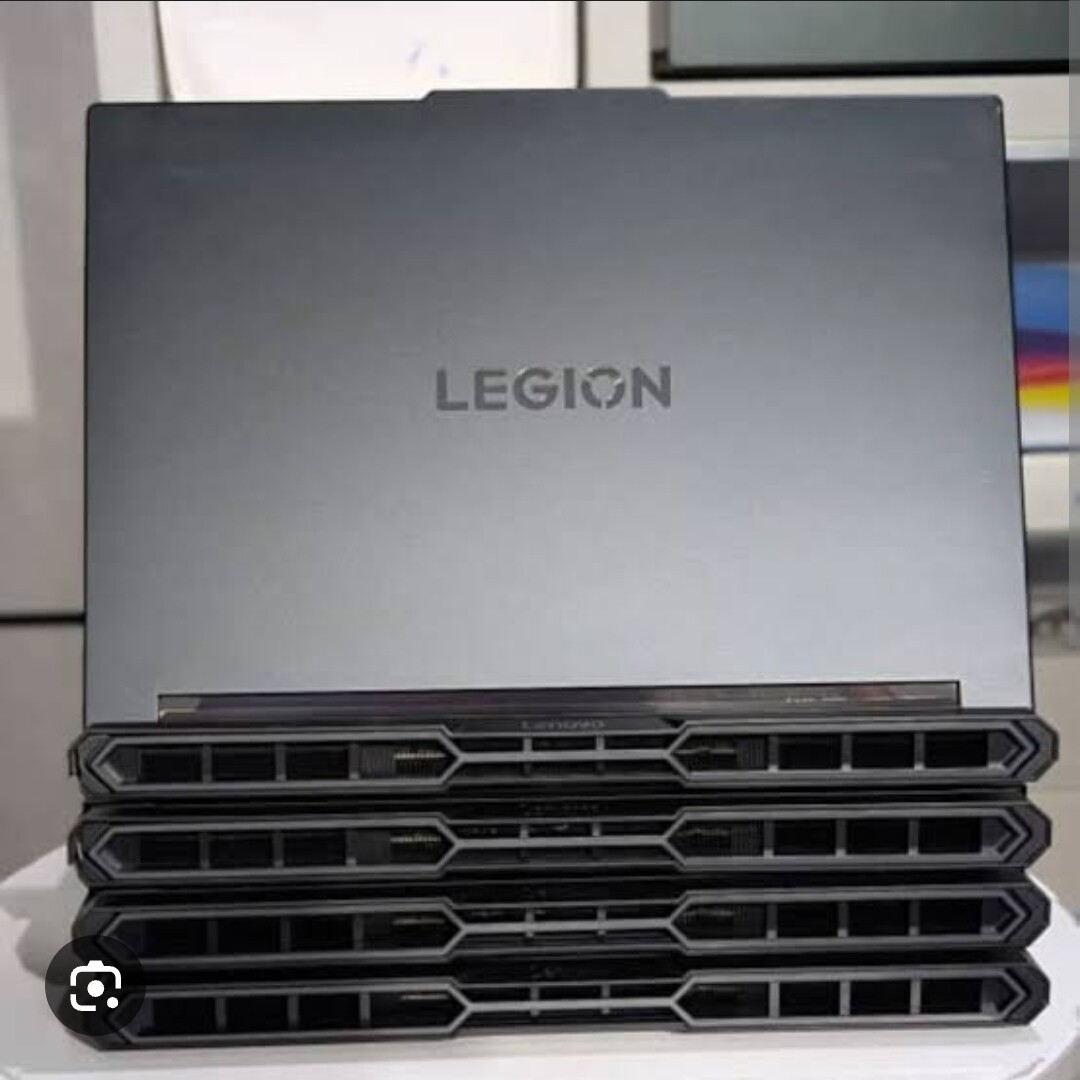
Watching your (silent) video the performance looked great but I found myself wondering how loud those laptop fans were screaming while you recorded this.